For Support & Operations
For support and operations teams
Find a customer's documents and account, correct what is wrong, and keep a record of every change. No admin panel to build and no script to run.
What you can do with it
Find a user and their data
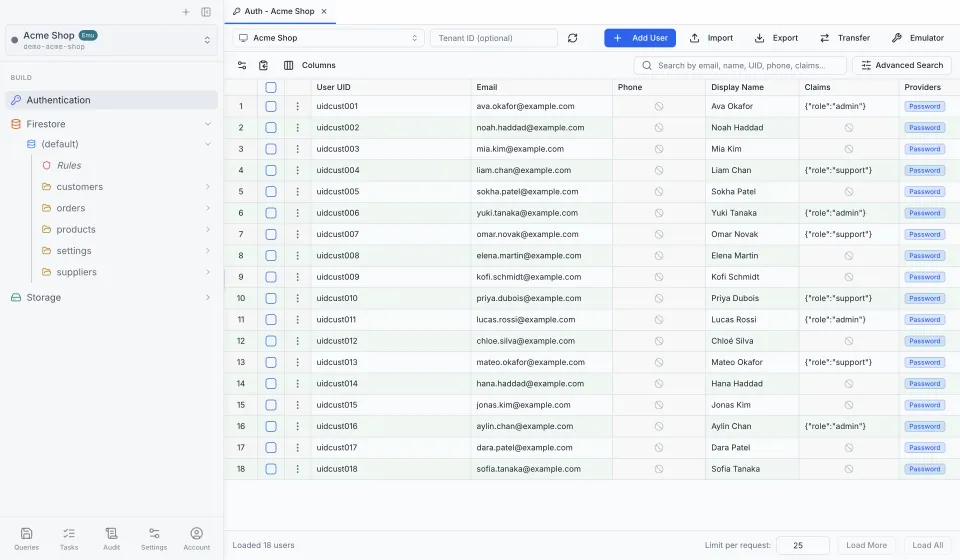
Search Authentication by email, name, UID or phone, then filter a collection for that user's documents.
How it worksCorrect a record safely
Edit one field in the grid or the whole document; the earlier value is written to the audit log first.
How it worksDisable an account or change its claims
Disable, enable or delete a user, and edit custom claims as JSON.
How it worksSee who changed what, and put it back
Every change made in the app is listed with the value before and after, and can be restored from its entry.
How it works
- Filters you can save and reuse
- Table, Tree and JSON views of the same document
- Files in Cloud Storage with previews
- A log kept on your computer, exportable