For QA & Testing
For QA and testing
Put a database into a known state, check what a test left behind, and compare a document with what it should be. On the emulator or on a test project.
What you can do with it
Load and reset test data
Import documents from JSON, copy a collection from another project, or delete a collection before a run.
How it worksCheck the result of a test
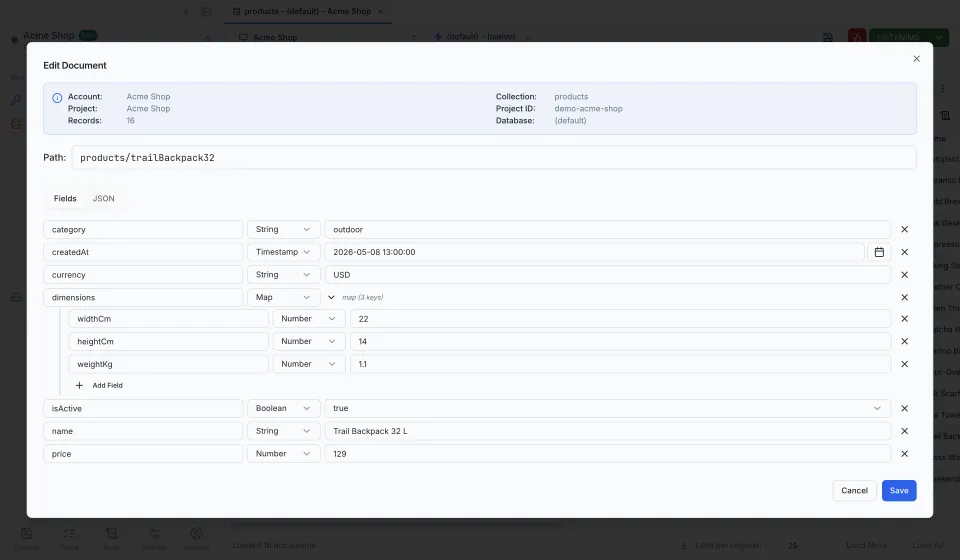
Filter for the documents a test should have written and read their exact types and values.
How it worksCompare two documents
Select two rows and see the difference field by field.
How it worksSet up test users
Create users, set claims, and import or export users on the Authentication emulator.
How it works
- Works with the Firestore, Auth and Storage emulators
- Edge values: NaN, Infinity, large integers, nanosecond timestamps
- Copy a document between projects
- Realtime view while a test runs